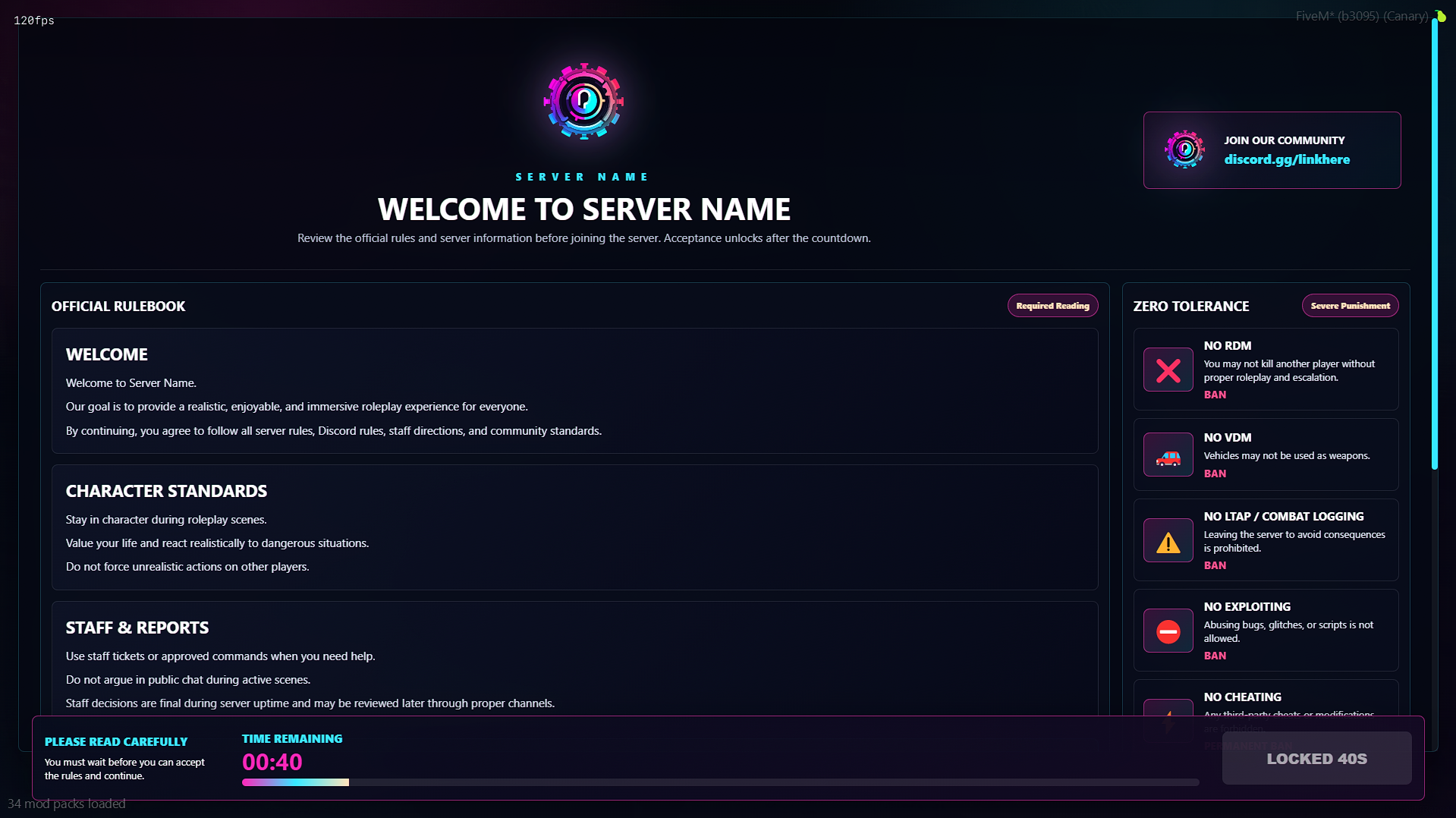
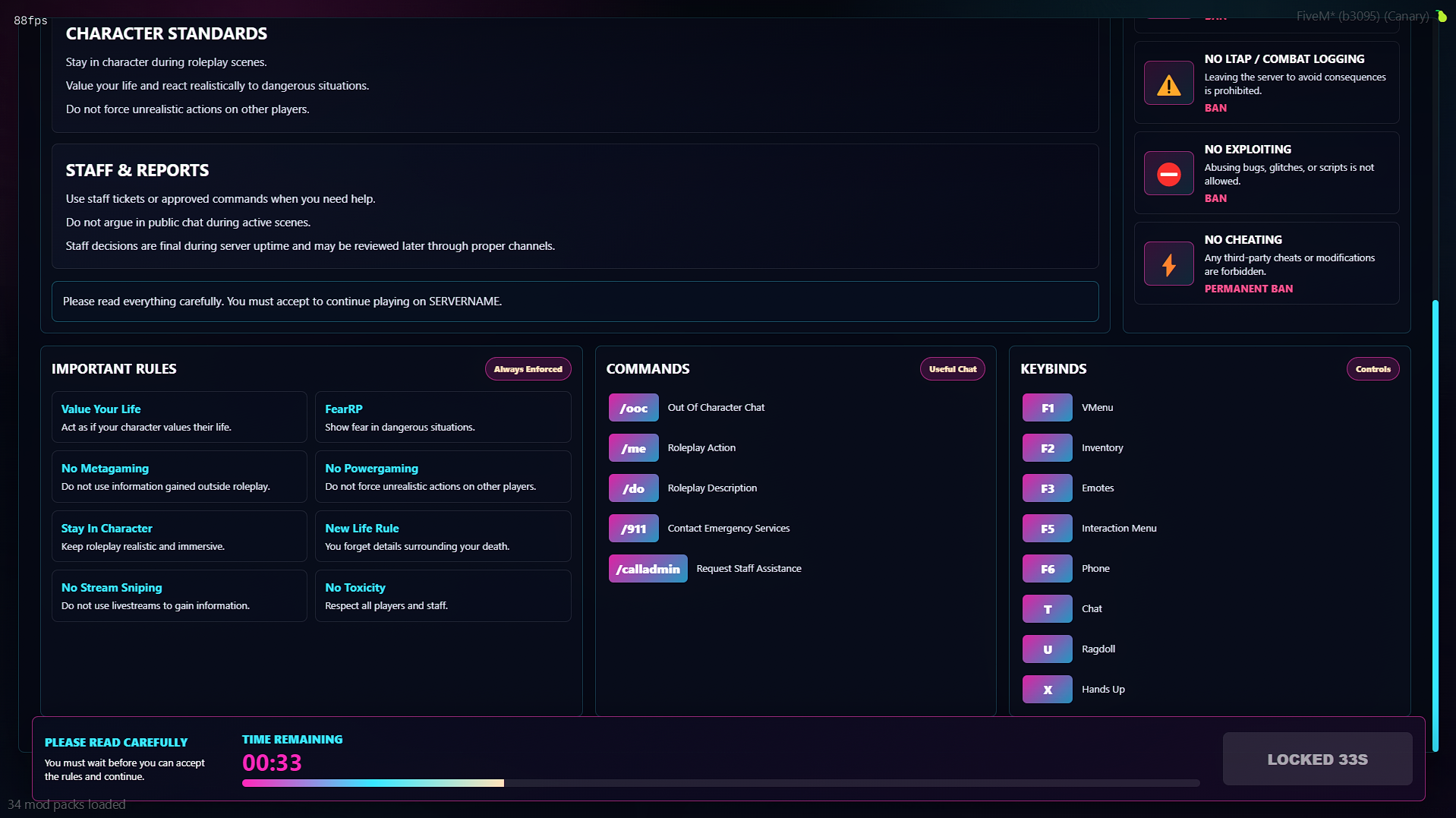






This Rules UI Script is a clean, modern rules menu built for FiveM servers that want a professional way to present server rules to new players players. Instead of using basic chat messages or Discord-only rule lists, this resource gives your community an easy-to-read in-game interface for viewing important server guidelines.
Designed for roleplay, public, and community servers, UnityLabs Rules UI helps players quickly understand expectations before they begin playing.
Features
Modern Rules Interface
A clean custom UI for displaying your server rules in a polished and readable format.
Player-Friendly Layout
Rules are organized clearly so players can quickly browse and understand them.
Great for RP Communities
Perfect for serious roleplay servers that want players to easily access server rules in-game.
Simple Setup
Easy to install, configure, and add to your server resources.
Professional Presentation
Give your server a more polished feel by replacing plain text rule messages with a proper UI.
Perfect For
Serious RP servers
Public FiveM communities
New-player onboarding
Servers wanting a clean rules display
Communities that want a more professional first impression
Installation
Drag and drop the resource into your server resources folder, configure the rules to match your community, then add the resource to your server.cfg.
UnityLabs Rules UI gives your server a simple, clean, and professional way to display rules directly in-game.
Our support team is available 24/7 on Discord to assist you with any questions.
Join Discord 24/7 Community SupportYour purchase is delivered automatically right after checkout. No waiting.
All transactions are processed through Tebex with enterprise-grade encryption.
Get all future updates and improvements included with your purchase at no extra cost.

Gift Newcomer Rules & Info Screen and have it sent directly to their CFX.re account, so you don't have to transfer it after purchase.
